1
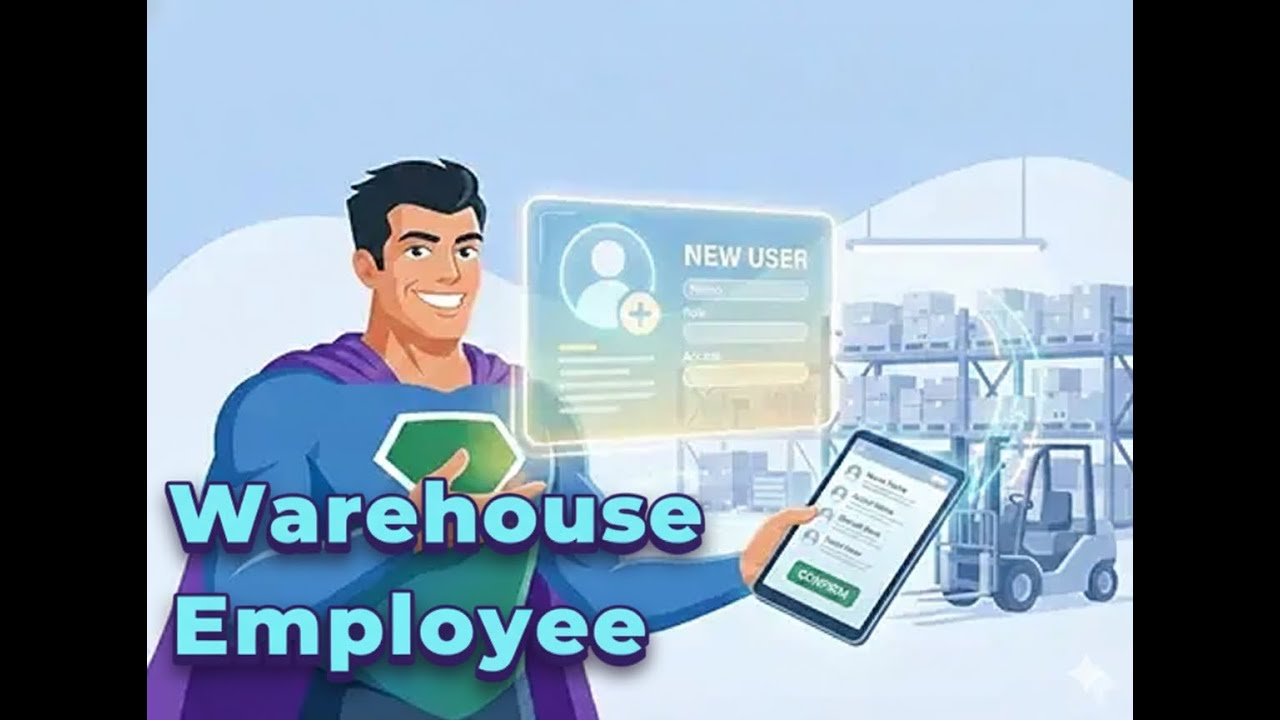
Add Warehouse Employee
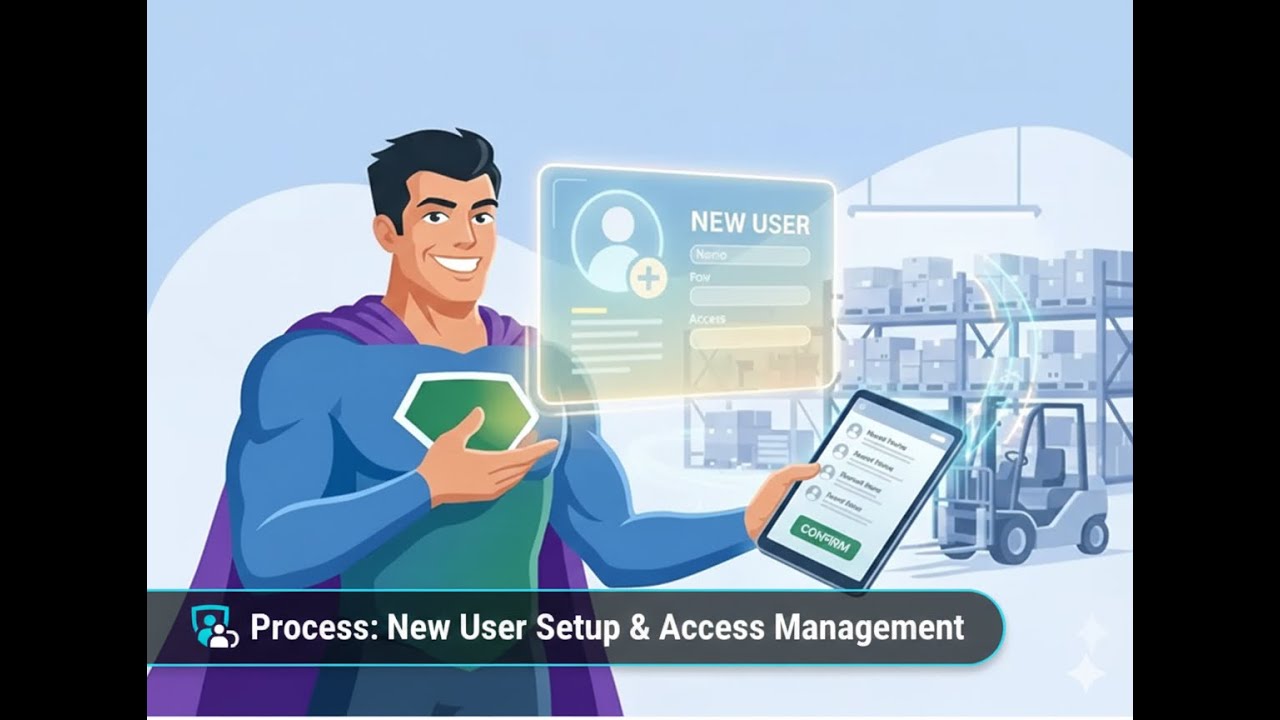
Add employees to AuctionWorx in just a few steps! This quick guide shows how sellers can easily create employee accounts, assign roles, and control access using the Employee Management feature.
Centralize warehousing, racks, inventory, packaging, appointments, and delivery for your business — all in one unified AuctionWorx WMS ecosystem.
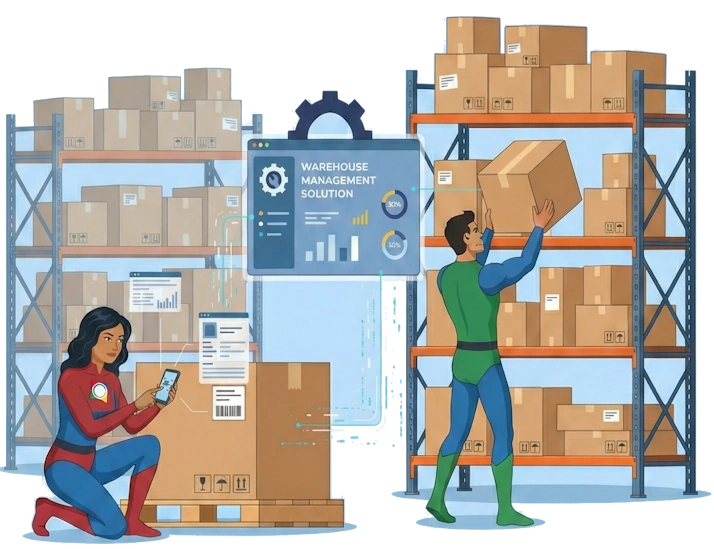
Extend AuctionWorx from just bidding to full operations — manage inventories, warehouse flow, and logistics in one place.

Create warehouse staff, define roles, and assign permissions easily for efficient operational control.
Digitize your physical layout by adding warehouses and rack structures with intuitive tools.
Label products and racks with QR codes and map them for accurate tracking and fast picking.

Let buyers book time slots intelligently with visibility into high and low traffic periods.
Staff can pick, pack, and dispatch orders quickly with PIN-verified delivery confirmation.
Centralize warehousing, racks, inventory, appointments, packaging, and delivery — all inside one unified AuctionWorx ecosystem.
Add employees to AuctionWorx in just a few steps! This quick guide shows how sellers can easily create employee accounts, assign roles, and control access using the Employee Management feature.
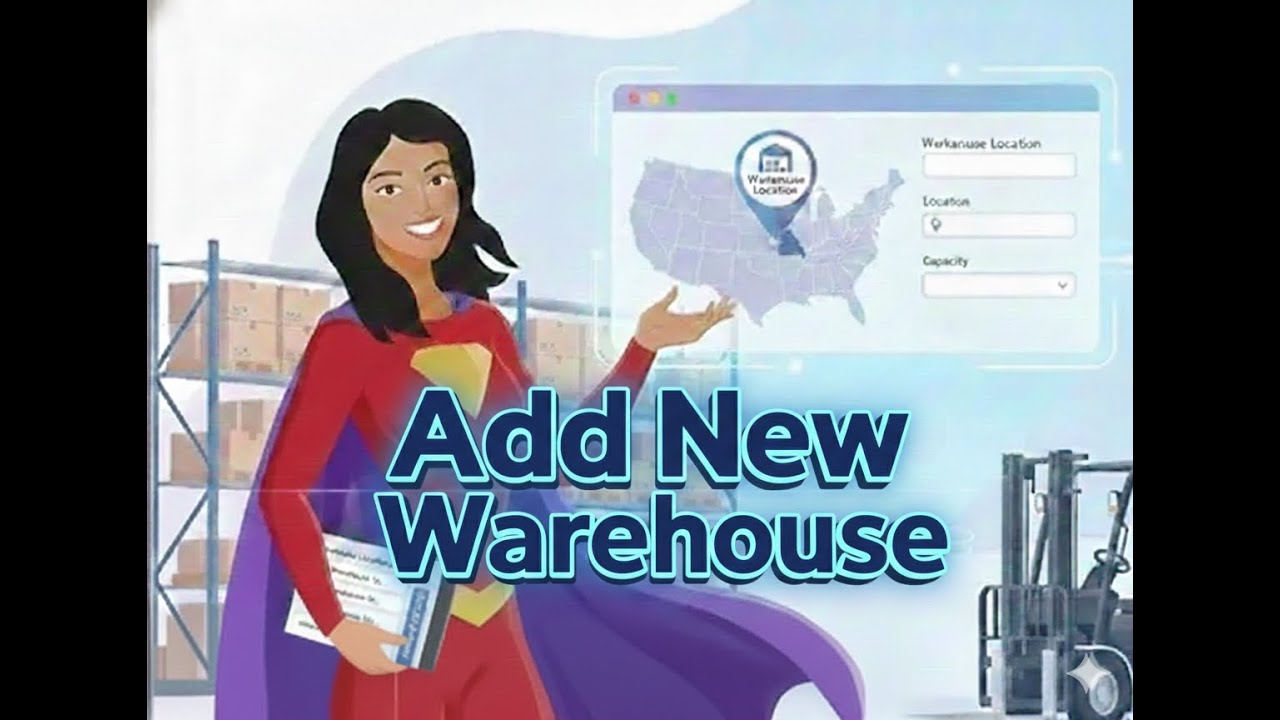
Add a new warehouse in AuctionWorx in just a few steps! This quick guide shows how sellers can easily create and manage warehouse locations using the Warehouse Management feature.
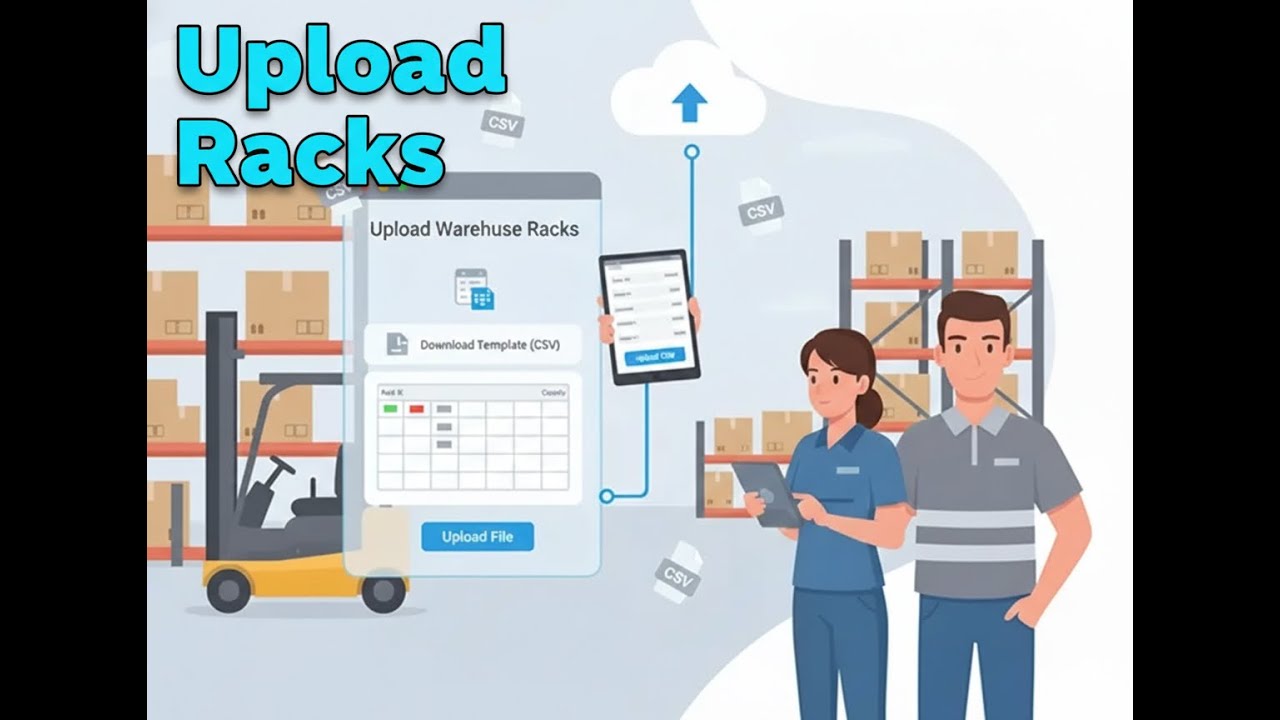
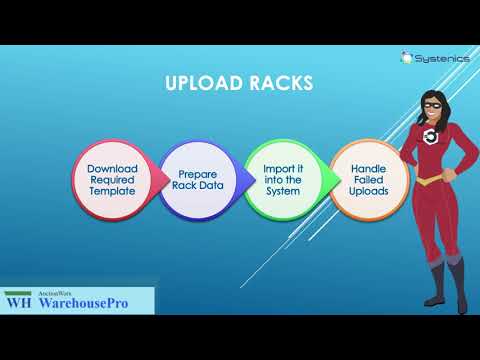
Upload warehouse racks in AuctionWorx using CSV in just a few steps! This quick guide shows how to download the rack template, prepare rack data, and upload racks in bulk using the Warehouse Management feature.
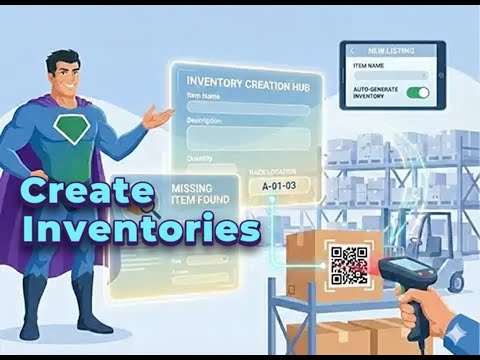
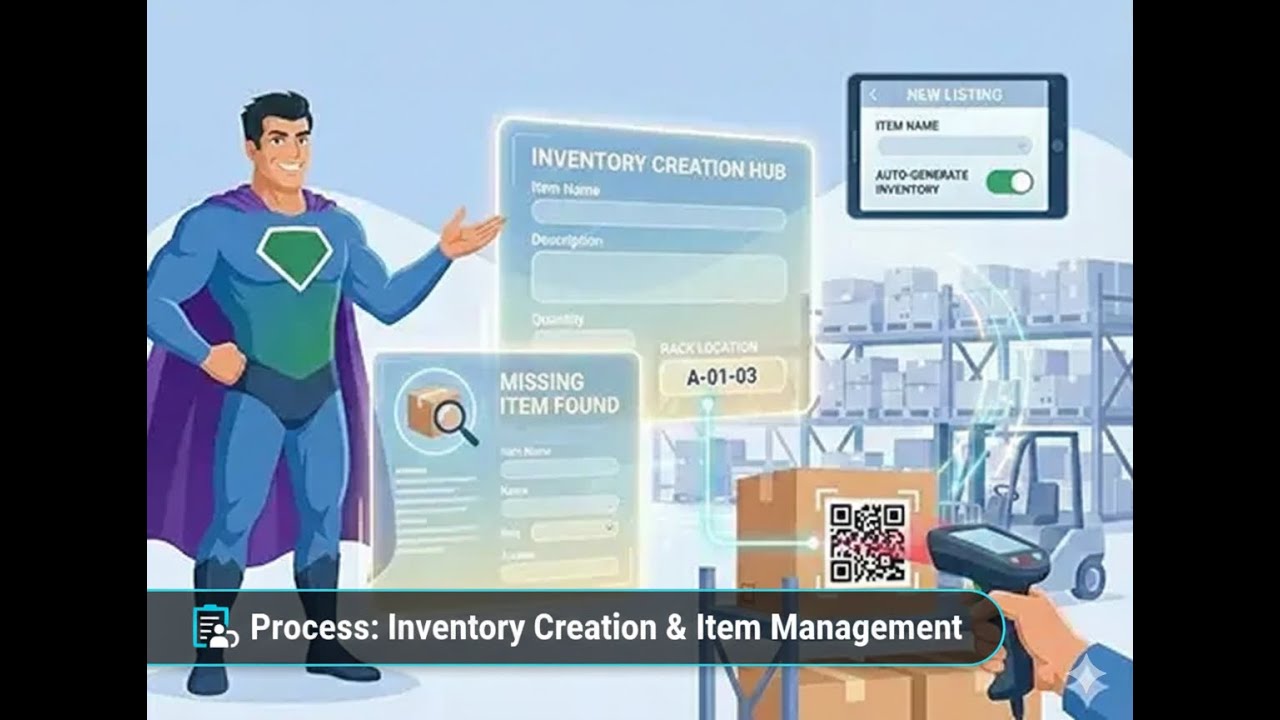
Create inventory in AuctionWorx quickly and accurately! This quick guide shows how to add missing inventory, automatically generate inventory for new listings, and assign items to racks using QR codes.
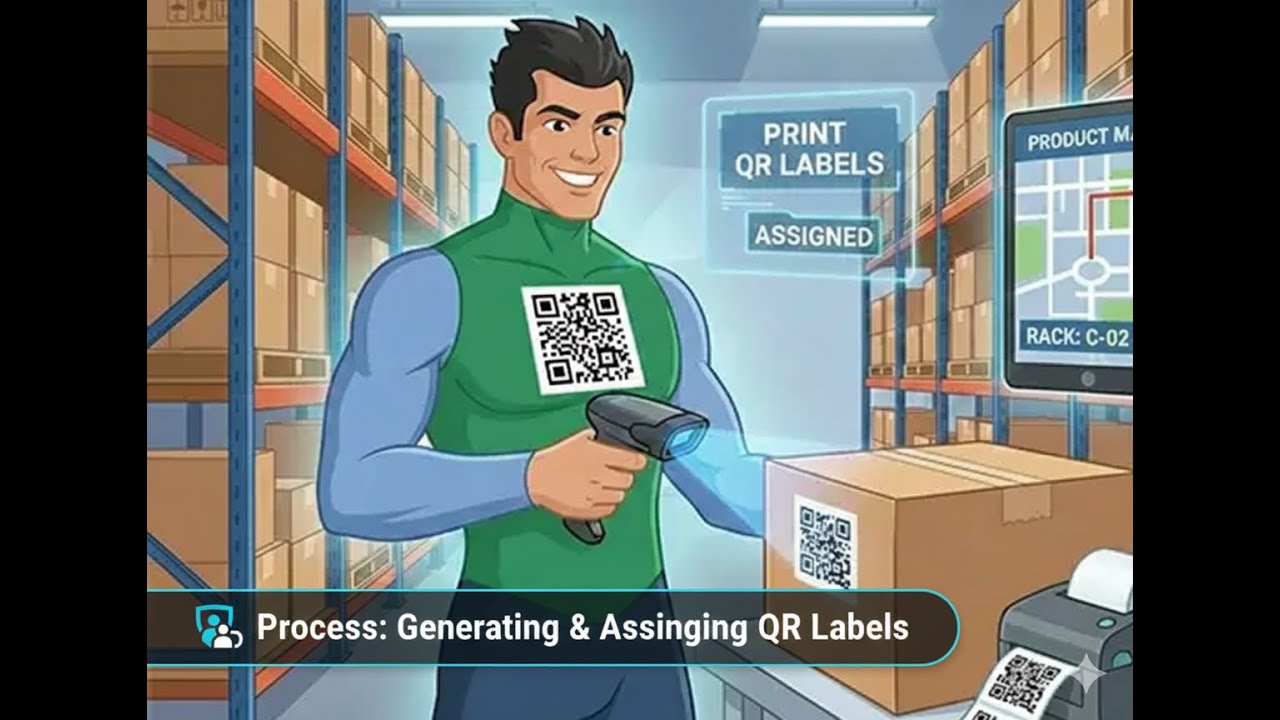
Print and assign Product QR Codes in AuctionWorx in just a few steps! This quick guide shows how to generate QR labels, assign them to inventory items, and map products to rack locations using QR scanning.
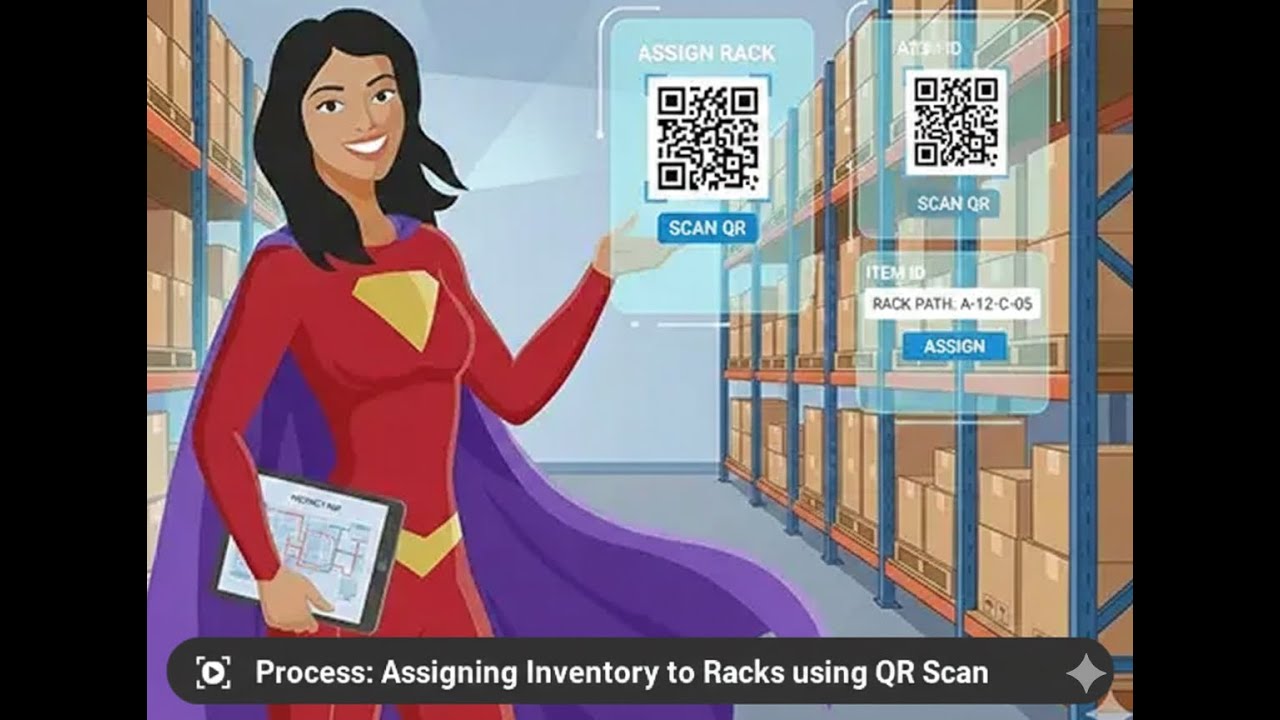
Assign inventory to rack locations in AuctionWorx with ease! This quick guide shows how to assign rack labels by scanning Rack QR codes or entering rack paths manually—ensuring accurate storage and quick item retrieval.
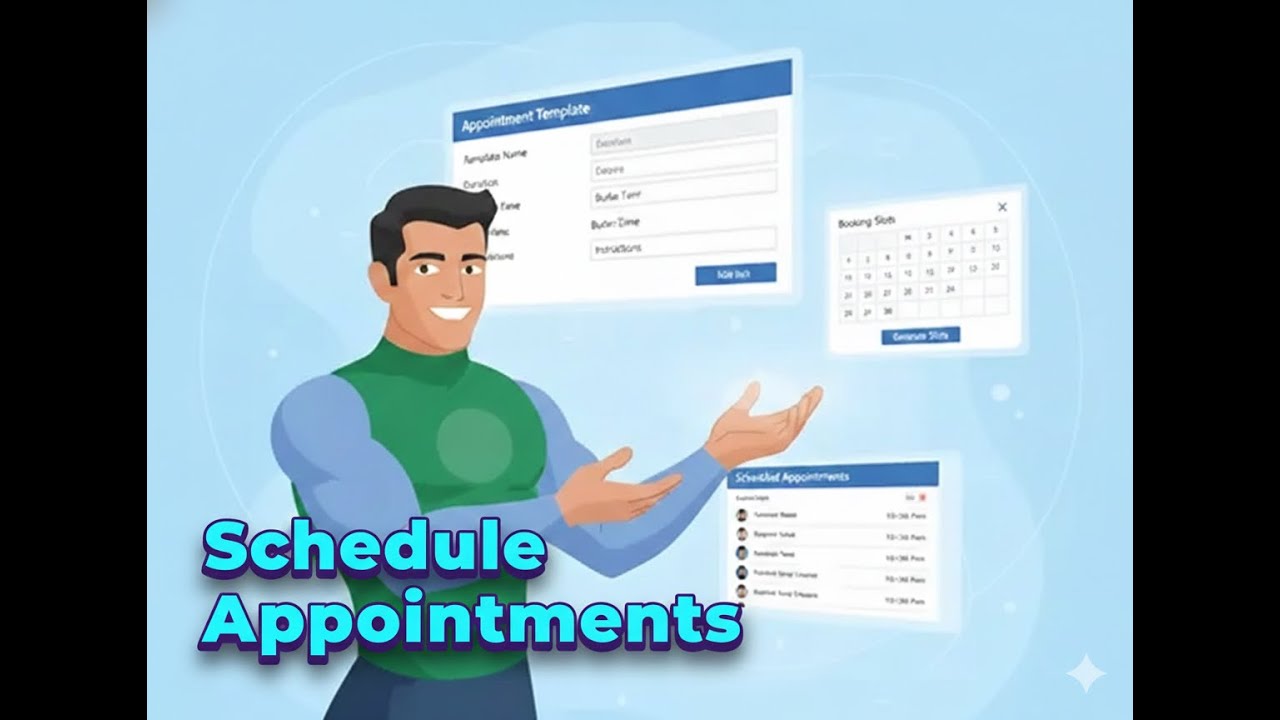
Set up appointment templates and schedule slots in AuctionWorx effortlessly! This quick guide shows how to create reusable appointment templates and generate booking slots for buyers using the Appointment Management feature.
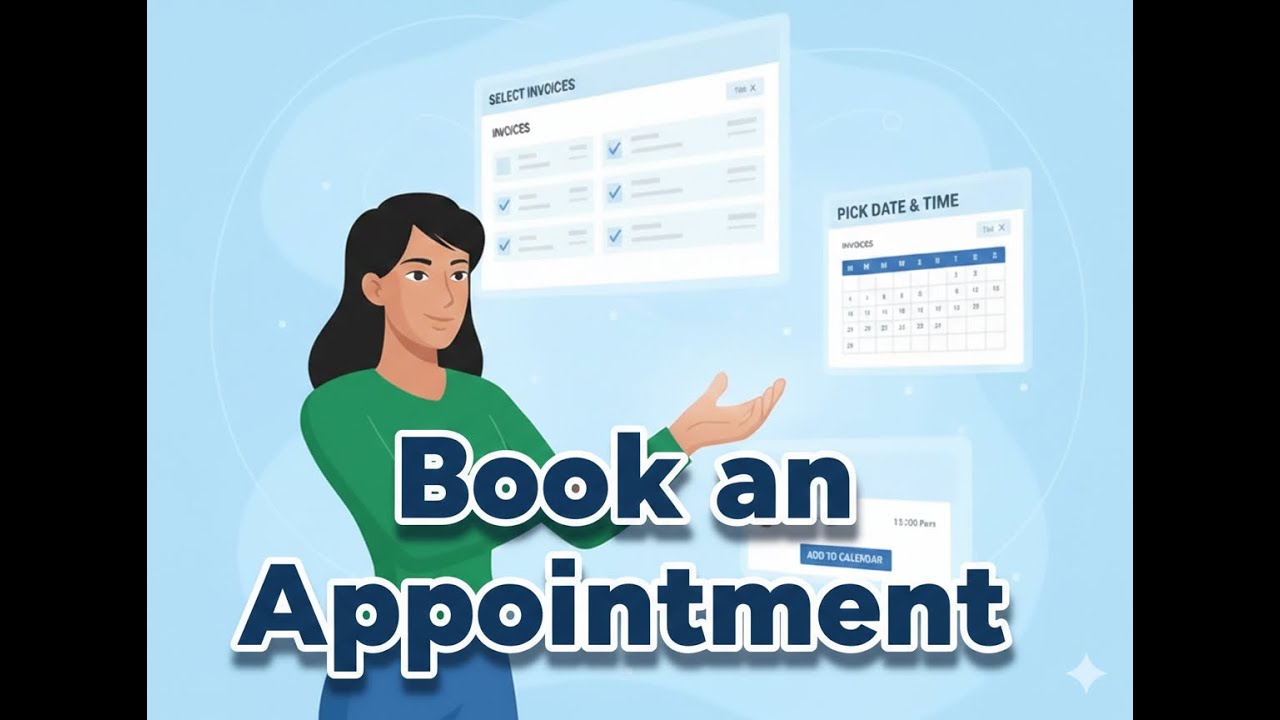
Book pickup appointments in AuctionWorx in just a few steps! This quick guide shows how buyers can select invoices, choose a date and time slot, confirm bookings, and add appointments to their calendar.
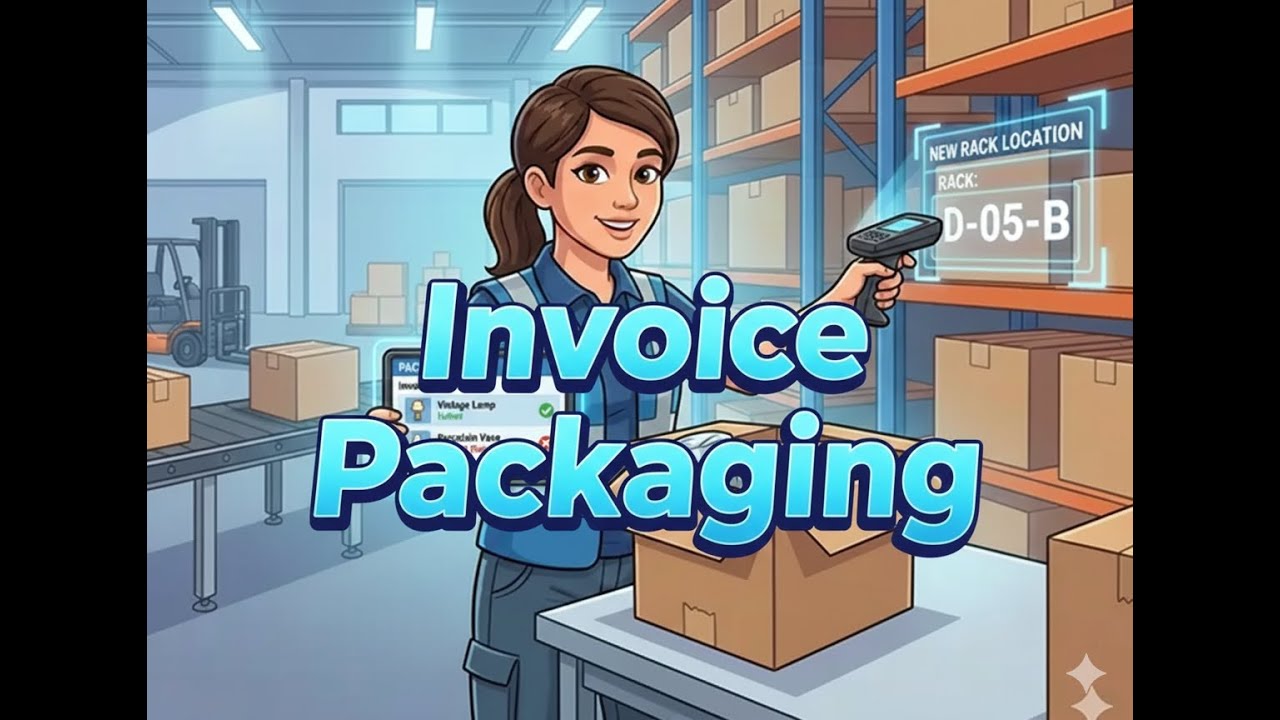
Package invoice items efficiently in AuctionWorx! This quick guide shows how staff can pick invoice items, handle retained or skipped items, and assign new rack locations during the packaging process.
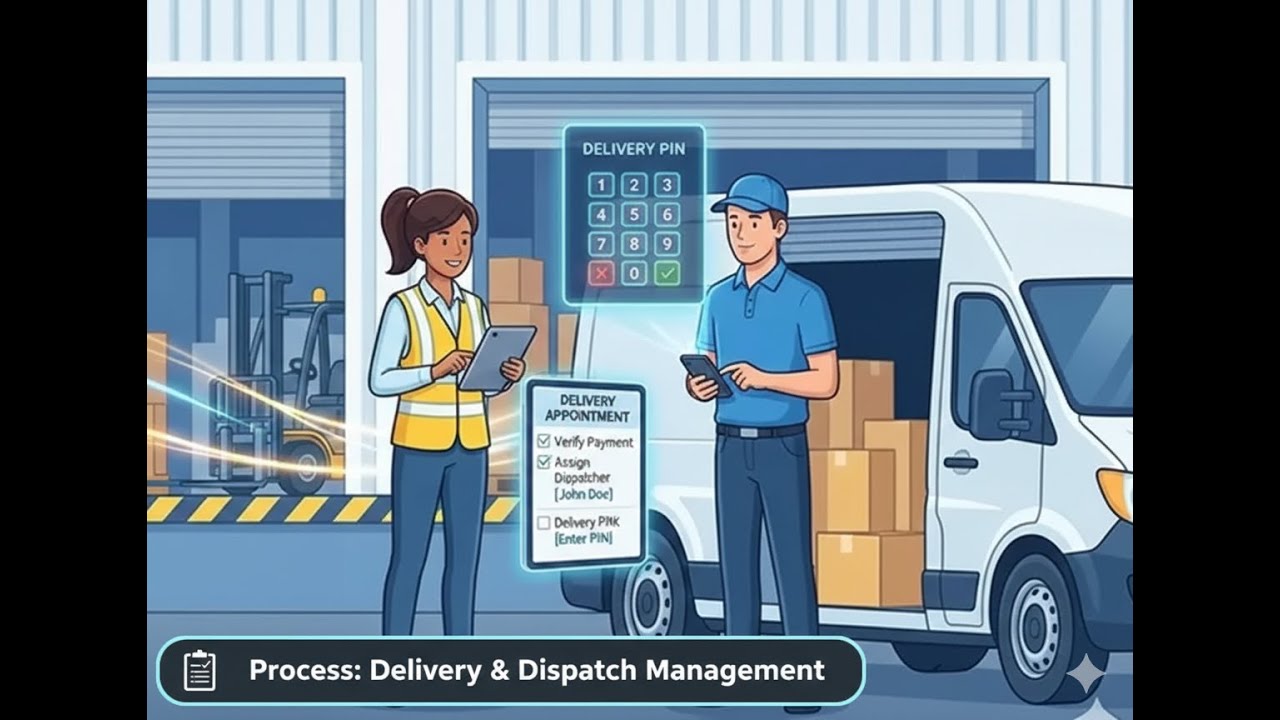
Handle delivery appointments smoothly in AuctionWorx! This quick guide shows how staff can attend delivery appointments, verify payments, assign dispatchers, and confirm deliveries using Delivery PIN verification.
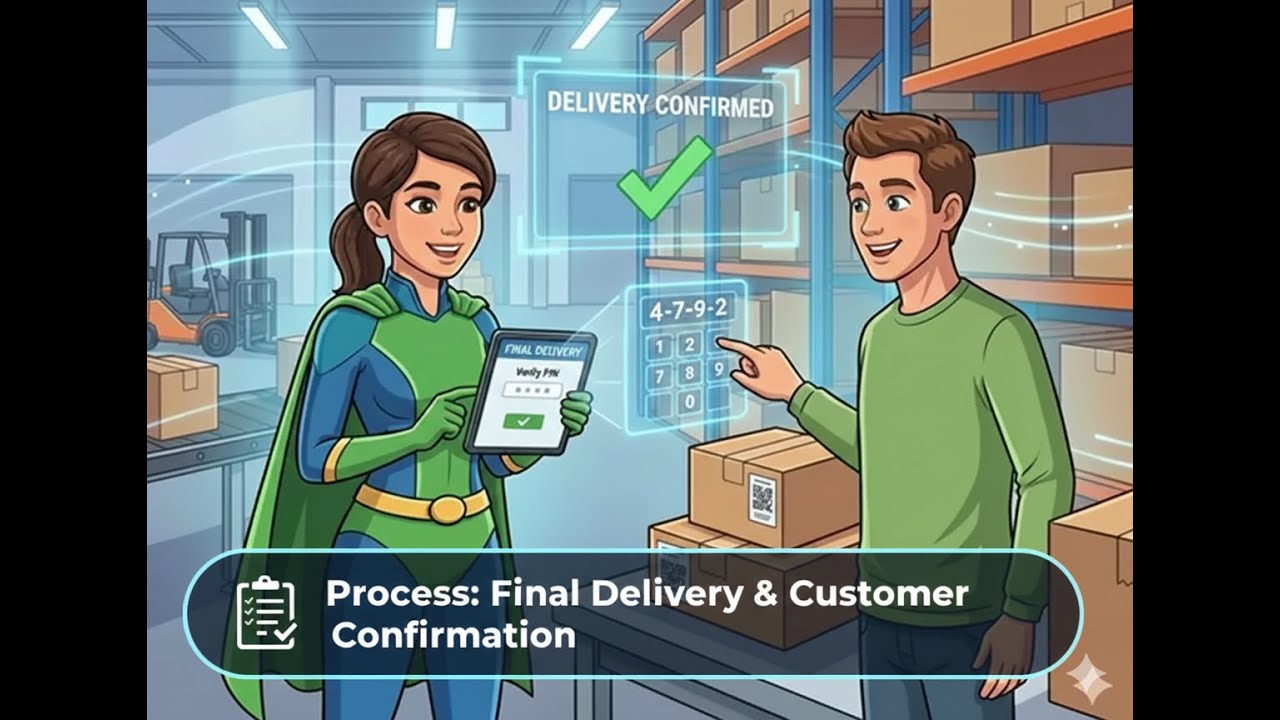
Complete delivery pickups securely in AuctionWorx! This quick guide shows how buyers can verify bookings, review packages, and confirm delivery using a secure Delivery PIN for smooth handover.
Deep-dive into each feature with our comprehensive video tutorials.
Request a live demo and experience the Warehouse Management difference.
Book a Demo